Graph paper/cream 1 inch
Cream 1 inch graph paper
1 in × 1 in · cream background · free, true to size, no sign-up
Direct PDF link for sharing or scripts: printgridpaper.com/api/pdf?size=1-inch&paper=letter&background=cream
Cream graph paper is the softer, warmer version: an easy-on-the-eyes tint that suits long writing sessions, vintage journals and any project where plain white feels harsh. Floor plans, room layouts and scale models where one square is one foot.
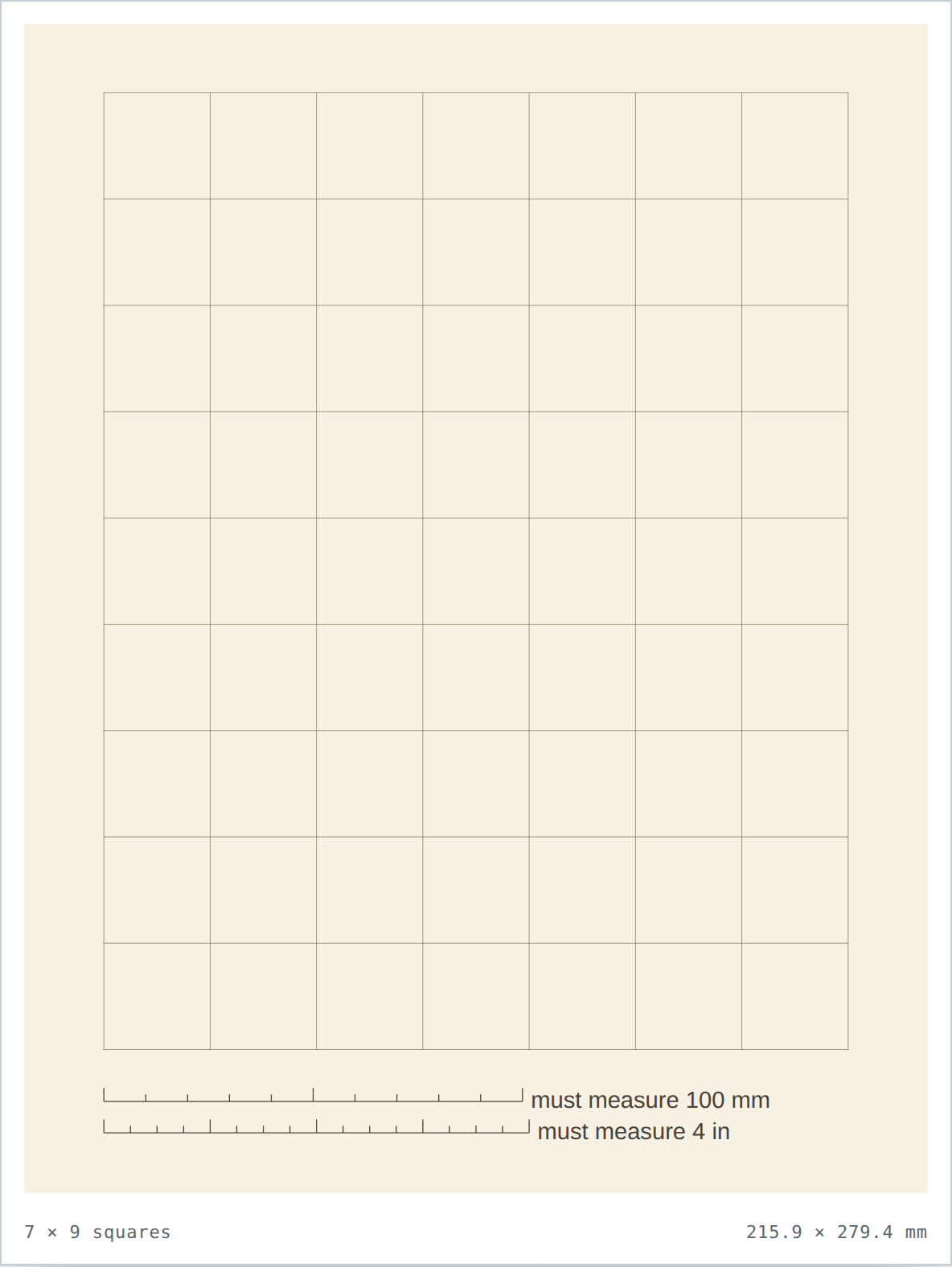
What a cream 1 inch grid is for
Same 1 inch squares as every other version here — the background just changes how the finished sheet reads.
Long writing & note-taking
The warm tint reduces glare compared with pure white, so it is kinder over long study sessions.
Vintage & analog aesthetic
Cream paper reads as classic stationery — a natural fit for journaling, lettering and printed planners.
Works with warm inks
Dark brown-ink lines pair with sepia and amber pens far better than cold blue on white.
Sheet specs
| Paper | Grid | Squares |
|---|---|---|
| Letter | 7 × 9 | 63 |
| A4 | 7 × 10 | 70 |
- Dark warm grid lines, cream background (#F7F1E3).
- Gentler contrast (≈75%) than white, tuned for reading not glare.
- Slightly more ink than a blank white page, less than black.
- Downloaded PDF is only 2.4 KB — pure vector line work.
1 inch in white, black or cream
The grid geometry never changes between these versions — only the background. Pick the tint to match the job.
| Background | Look | Compare | |
|---|---|---|---|
| ⚪ White | Standard, bright clean paper. | — blank base | Open white |
| ⬜ Black | White grid on a near-black page. | ~95% | Open black |
| 8 Cream | Warm tint, dark grid. | ~75% | Open cream |
Questions about cream graph paper
Why is cream easier on the eyes than white?
Plain white reflects the most light. The cream tint (#F7F1E3) cuts that glare a little, which helps over long writing and reading sessions where your eyes are close to the page.
Does the cream background use more ink to print?
A little — the whole page is tinted rather than left blank. It is far cheaper than the black version. Print one sheet to confirm your printer handles the tint before running a stack.
Is the cream version the same grid as the white one?
Identical lines and identical measuring bars; only the paper colour differs. You can switch between white, black and cream versions with no change in measurements.
How do I verify this prints at the true size?
Lay a ruler on the two bars in the bottom margin — the upper must read 100 mm and the lower 4 inches. If both are short by the same amount, the print dialog scaled the page: set it to 100% / Actual Size and print again.