Graph paper/black 1 inch
Black 1 inch graph paper
1 in × 1 in · black background · free, true to size, no sign-up
Direct PDF link for sharing or scripts: printgridpaper.com/api/pdf?size=1-inch&paper=letter&background=black
Black graph paper is the sheet for dark aesthetics: presentation mock-ups, screen-wireframe sketches and artwork made to be photographed or shown on a monitor rather than written on in pencil. Floor plans, room layouts and scale models where one square is one foot.
What a black 1 inch grid is for
Same 1 inch squares as every other version here — the background just changes how the finished sheet reads.
Dark design work
Wireframe and UI mock-ups read cleanly in white-on-black, and a dark sheet flatters screenshots and pitch decks.
Light art & photography
White lines on black photograph well and make a strong backdrop for pixel-art and light-painting layouts.
Low-glare, high contrast
The white grid holds ~95% contrast against the page, so spacing checks stay easy even from arm’s length.
Sheet specs
| Paper | Grid | Squares |
|---|---|---|
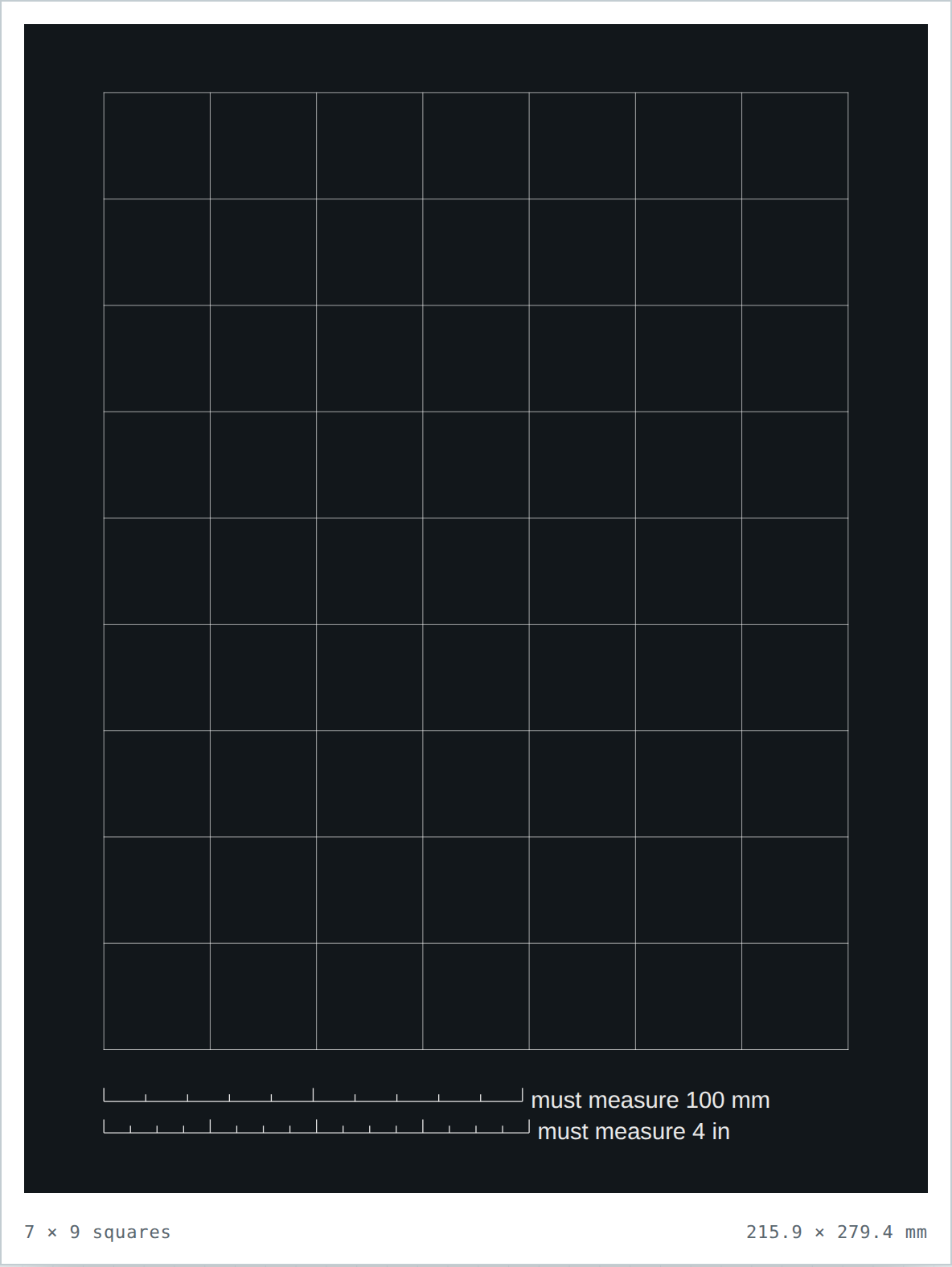
| Letter | 7 × 9 | 63 |
| A4 | 7 × 10 | 70 |
- White grid lines, near-black background (#12171B).
- High contrast for printer-friendly line work.
- Slightly more ink to print than a white sheet — expect a dark page.
- Downloaded PDF is only 2.4 KB — pure vector line work.
1 inch in white, black or cream
The grid geometry never changes between these versions — only the background. Pick the tint to match the job.
| Background | Look | Compare | |
|---|---|---|---|
| ⚪ White | Standard, bright clean paper. | — blank base | Open white |
| ⬜ Black | White grid on a near-black page. | ~95% | Open black |
| 8 Cream | Warm tint, dark grid. | ~75% | Open cream |
Questions about black graph paper
Does printing the black background waste a lot of ink?
A full black page uses noticeably more toner than a white one — most of the sheet is covered. If ink is a concern, print one sheet first, and set your print dialog to “Draft” or “Eco” mode if your printer offers it. The grid stays perfectly usable.
Can I write on it in pencil after printing?
Yes, though a soft white or light pen reads best. For pencil work people usually prefer the cream version, which is nearly as kind to the eye but costs far less ink.
Is the black version really the same grid as the white one?
Exactly the same geometry — same line spacing and same measuring bars. Only the background changes, so swap freely between the three colour versions without re-learning the grid.
How do I verify this prints at the true size?
Lay a ruler on the two bars in the bottom margin — the upper must read 100 mm and the lower 4 inches. If both are short by the same amount, the print dialog scaled the page: set it to 100% / Actual Size and print again.