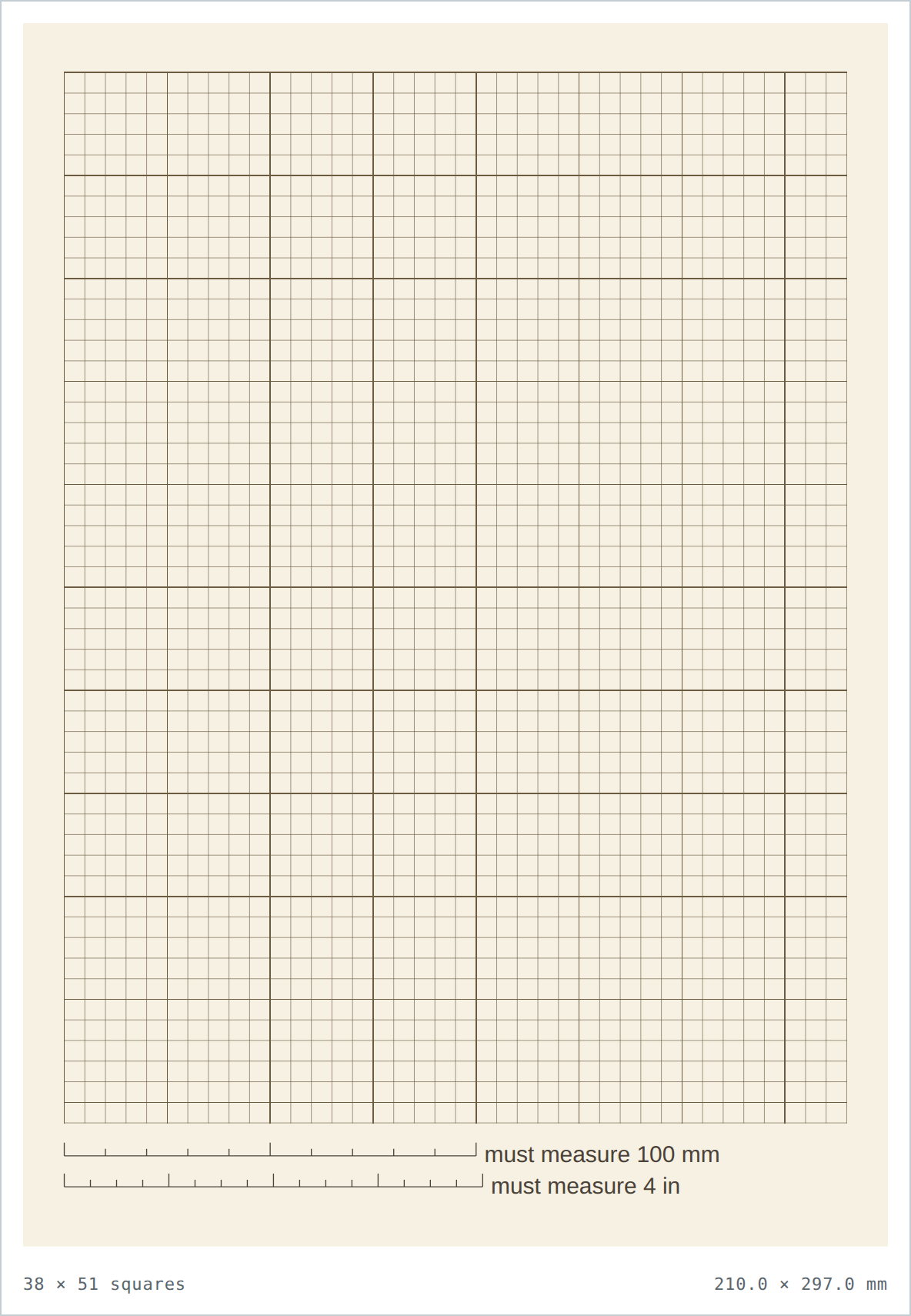
Graph paper/cream 5 mm
Cream 5 mm graph paper
5 mm × 5 mm · cream background · free, true to size, no sign-up
Direct PDF link for sharing or scripts: printgridpaper.com/api/pdf?size=5mm&paper=a4&background=cream
Cream graph paper is the softer, warmer version: an easy-on-the-eyes tint that suits long writing sessions, vintage journals and any project where plain white feels harsh. The metric classroom and notebook grid — school notes, sketching, bullet journal layouts.
What a cream 5 mm grid is for
Same 5 mm squares as every other version here — the background just changes how the finished sheet reads.
Long writing & note-taking
The warm tint reduces glare compared with pure white, so it is kinder over long study sessions.
Vintage & analog aesthetic
Cream paper reads as classic stationery — a natural fit for journaling, lettering and printed planners.
Works with warm inks
Dark brown-ink lines pair with sepia and amber pens far better than cold blue on white.
Sheet specs
| Paper | Grid | Squares |
|---|---|---|
| Letter | 39 × 48 | 1872 |
| A4 | 38 × 51 | 1938 |
- Dark warm grid lines, cream background (#F7F1E3).
- Gentler contrast (≈75%) than white, tuned for reading not glare.
- Slightly more ink than a blank white page, less than black.
- Downloaded PDF is only 5.6 KB — pure vector line work.
5 mm in white, black or cream
The grid geometry never changes between these versions — only the background. Pick the tint to match the job.
| Background | Look | Compare | |
|---|---|---|---|
| ⚪ White | Standard, bright clean paper. | — blank base | Open white |
| ⬜ Black | White grid on a near-black page. | ~95% | Open black |
| 8 Cream | Warm tint, dark grid. | ~75% | Open cream |
Questions about cream graph paper
Why is cream easier on the eyes than white?
Plain white reflects the most light. The cream tint (#F7F1E3) cuts that glare a little, which helps over long writing and reading sessions where your eyes are close to the page.
Does the cream background use more ink to print?
A little — the whole page is tinted rather than left blank. It is far cheaper than the black version. Print one sheet to confirm your printer handles the tint before running a stack.
Is the cream version the same grid as the white one?
Identical lines and identical measuring bars; only the paper colour differs. You can switch between white, black and cream versions with no change in measurements.
How do I verify this prints at the true size?
Lay a ruler on the two bars in the bottom margin — the upper must read 100 mm and the lower 4 inches. If both are short by the same amount, the print dialog scaled the page: set it to 100% / Actual Size and print again.