Graph paper/Graph Paper for Pixel Art — Free Printable Pixel Grid
Graph paper for pixel art
One square = one pixel · free, true to size, no sign-up
Direct PDF link for sharing or scripts: printgridpaper.com/api/pdf?size=eighth-inch&paper=letter
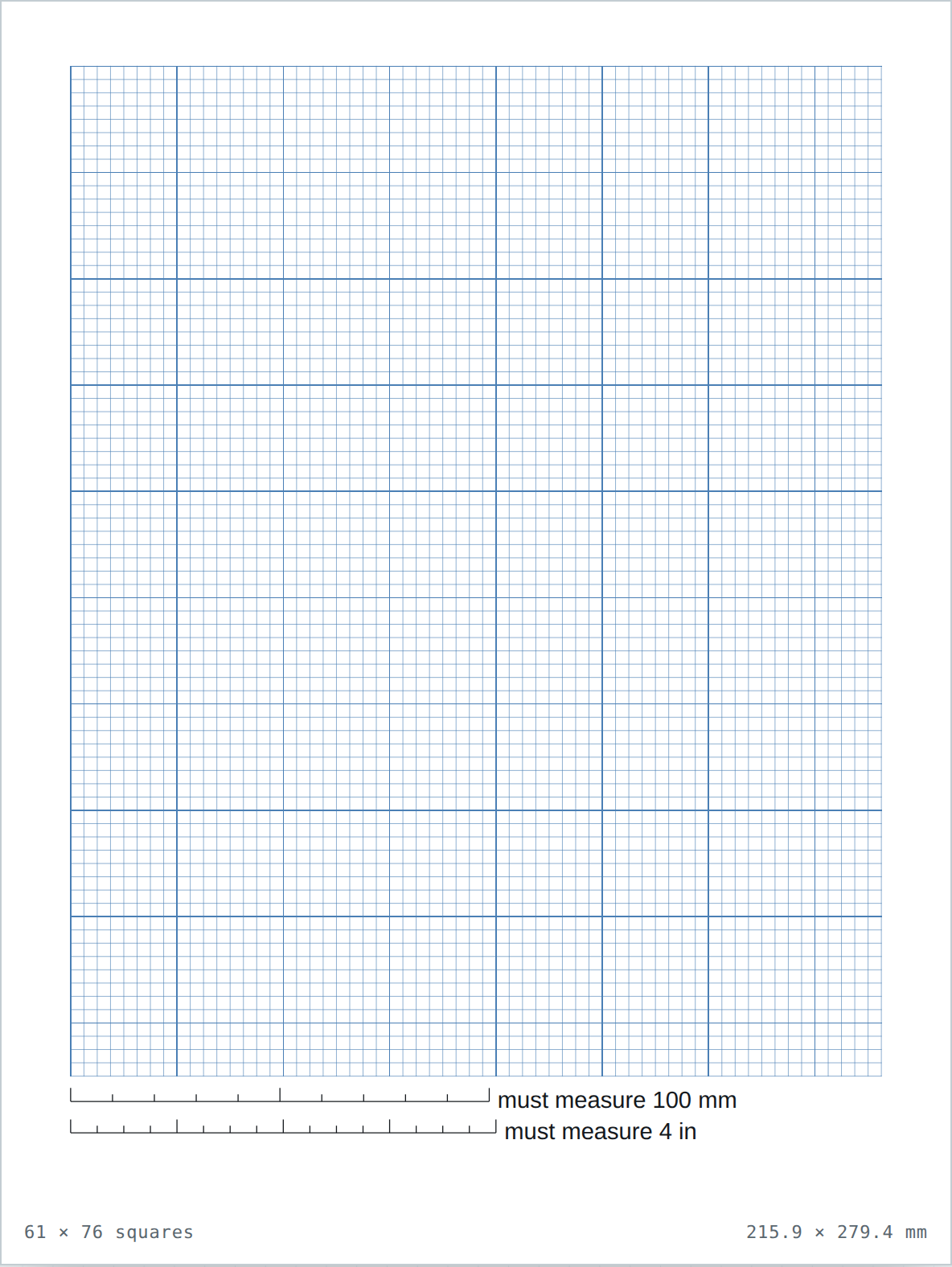
Pixel art needs a grid where every square is exactly one pixel. On 1/8 inch paper, 100 squares are 12.5 inches, so most sprites and icons fit a single sheet — and the heavy line every 8 squares gives you natural 8×8 tiles.
Which size to choose
1/8 inch — sprites & icons
64×64 or smaller sprites map cleanly. 1/8 in is 3.2 mm, fine enough for a sheet of pixels, coarse enough to see.
1/4 inch — chunky 16-bit
Bigger pixels for 16-bit characters and tiles, easier on the eyes when you fill with pencil or marker. Open 1/4 inch.
1 cm — room-scale scenes
Whole scenes and level maps with one square per metre of in-game space. Open 1 cm.
How to use it
Plan the sprite before drawing
Sketch your palette in a corner first. Then outline the character on the grid, treating each square as one pixel. The heavy lines every 8 squares keep your tile sizes honest.
Fill in light order
Do outlines first, then flat fills, then dithering or shading last. Erasing is easier on paper than in software, so pencil in, then ink what survives.
Scan or photograph to digitise
Photograph straight-on in even light, or scan at 300 dpi. The measuring bar proves the grid is true to size if you later trace over the scan.